
Drowning in lecture notes? You’ve just finished a marathon session, your brain is buzzing, and your notebook looks like a collection of ancient runes. Whether it’s a physical notebook or a 50-page PDF, the struggle is real: by finals week, finding that one crucial definition feels like finding a needle in a digital haystack.
In 2026, the secret to a 4.0 GPA isn’t just working harder—it’s leveraging AI as a Digital Librarian. Here is your step-by-step framework to transform chaotic scribbles into high-retention study systems.
Why AI is Your New Study Partner
Forget simply using AI to “write” things; its true power lies in organization and knowledge retention. Modern AI tools can transform your messy notes into interactive, searchable study guides, boosting your understanding and protecting your GPA.
Step 1: Syllabus Mapping (The Foundational AI Hack)
Before your first lecture, use AI to build your academic roadmap. Don’t just read your syllabus; transform it into an actionable, dynamic plan.
- The Hack: Upload your syllabus PDF to Notion AI or ChatGPT-5.
- The Prompt: “Analyze this syllabus. Extract all deadlines, exam dates, and weekly themes into a tabular format, suitable for a Notion database. Highlight key learning objectives for each module.”
- The Goal: Automated organization that prevents “deadline blindness” and gives you an immediate overview of your semester’s commitments.
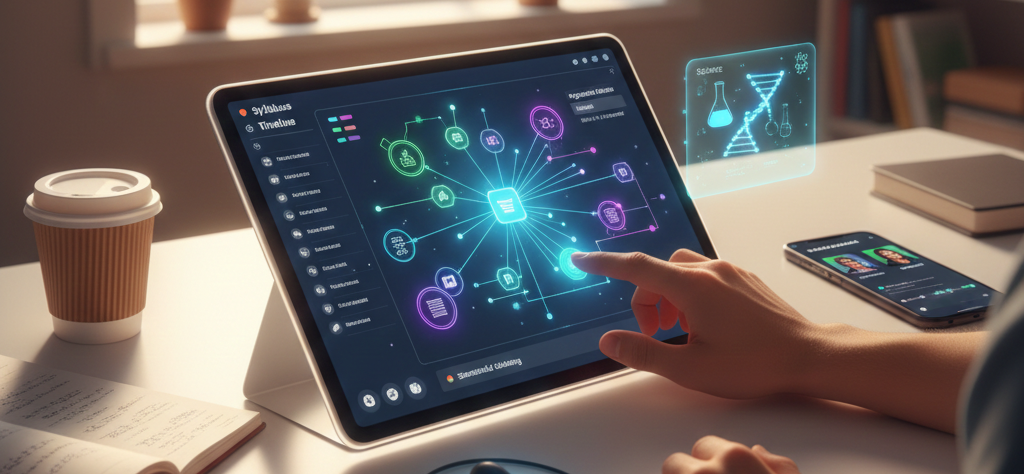
Here’s an example of what an AI-generated study schedule might look like: A digital calendar or Notion database screenshot showing a color-coded academic schedule with AI-generated assignment deadlines and topics.
Step 2: Multimodal Input (Capture Everything in 2026)
In 2026, effective note-taking is multimodal. The smartest students don’t just type; they capture audio, visuals, and text simultaneously, creating a rich, interconnected knowledge base.
- Real-time Transcription: Utilize tools like Otter.ai or Sembly for accurate, timestamped audio transcripts of lectures.
- Visual Integration: Take high-resolution photos of complex whiteboard diagrams, presenter slides, or even handwritten equations.
- Pro Tip: Upload these images directly into platforms like Google NotebookLM. Its advanced multimodal AI can now analyze these visuals and provide explanations for a hand-drawn biology diagram or an organic chemistry structure, seamlessly integrating visual learning into your notes.
Step 3: Semantic Clustering with Notion AI (Structuring Knowledge)
Long, undifferentiated blocks of text are where learning breaks down. Use AI to “cluster” your raw information into logical, digestible themes, significantly reducing cognitive load.
- The Advanced Prompt: “I am pasting my raw lecture transcript below. Perform a thematic analysis: Identify and group the information into 5-7 main conceptual themes. For each theme, generate 3-5 concise bullet points summarizing the key concepts and associated terminology. Prioritize interdisciplinary connections where possible.”
- Why it Works: This process moves beyond simple summaries, creating a structured, navigable knowledge database within tools like Notion. This organized framework makes revision significantly more efficient.
Step 4: Master Retention with Google NotebookLM (Deep Learning)
Once your notes are structured, the next challenge is ensuring the information sticks. Google NotebookLM excels here because it’s “source-grounded”—meaning it only draws answers from your specific notes, eliminating factual inaccuracies sometimes found with general AI models.
- The Strategy: Audio Overview: Utilize NotebookLM’s “Audio Overview” feature. It transforms your compiled notes into a podcast-style conversation between two AI hosts discussing the material.
- The Result: This auditory review is a game-changer for retention. Listen while commuting, exercising, or doing chores. It’s an effortless way to reinforce complex topics through passive, yet highly effective, engagement.
About The Author